
Microsoft released its latest operating system, Windows 11 last October, seeing an unprecedented rate of upgrade from its users.
Panos Panay, Microsoft’s Chief Product Officer for Windows and Devices, had announced in January that new features would be coming to Windows 11 in February. Delivering on that commitment, a new update to Windows 11 was released yesterday featuring a number of enhancements. The latest Windows 11 update has a number of design and functionality enhancements that we will go over in detail.
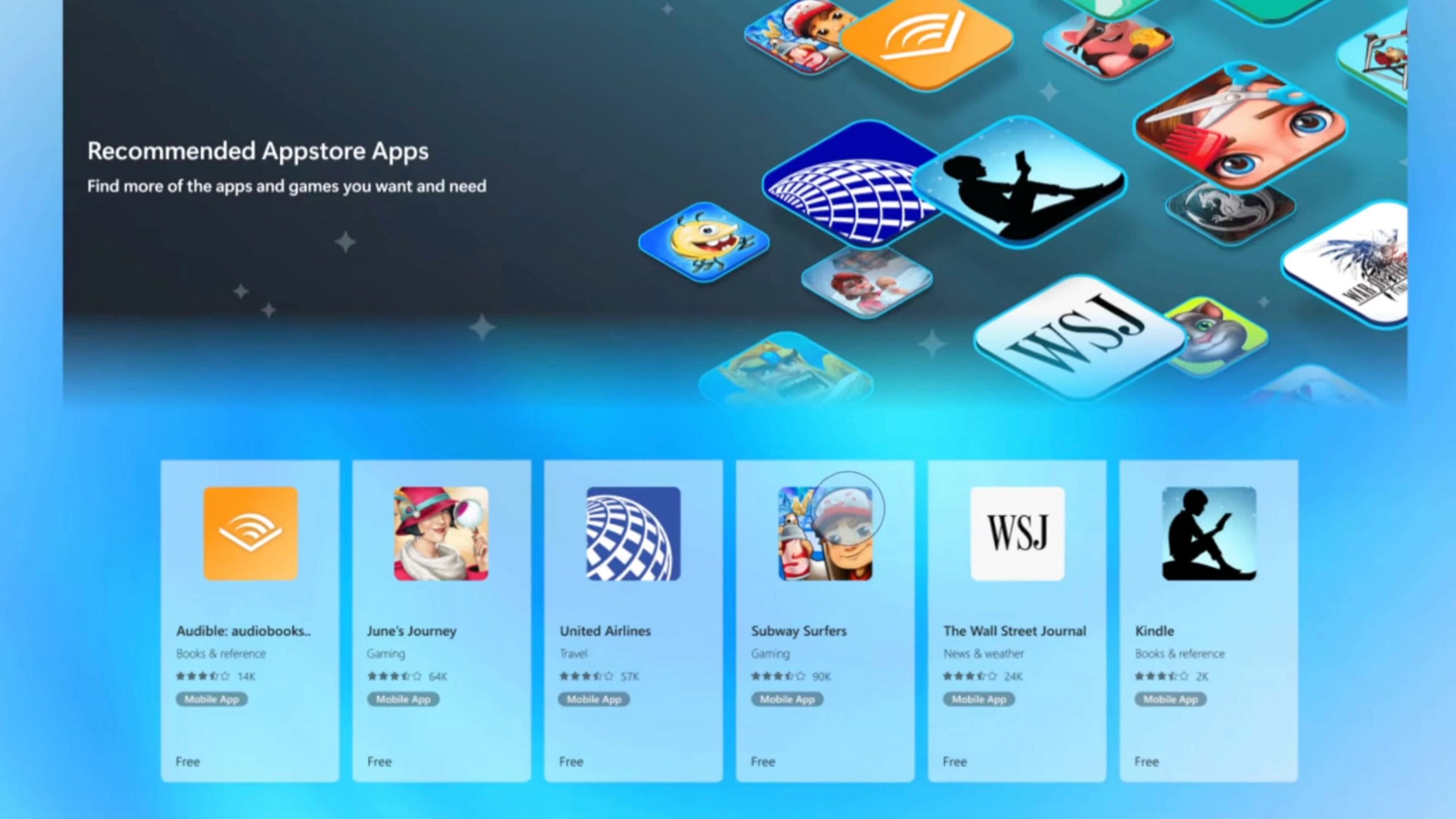
Access To Android Apps On Windows 11
A brand new experience built on the android platform enables Windows 11 users to install and use popular android apps like Subway Surfers, Kindle and Audible on the Windows PC.
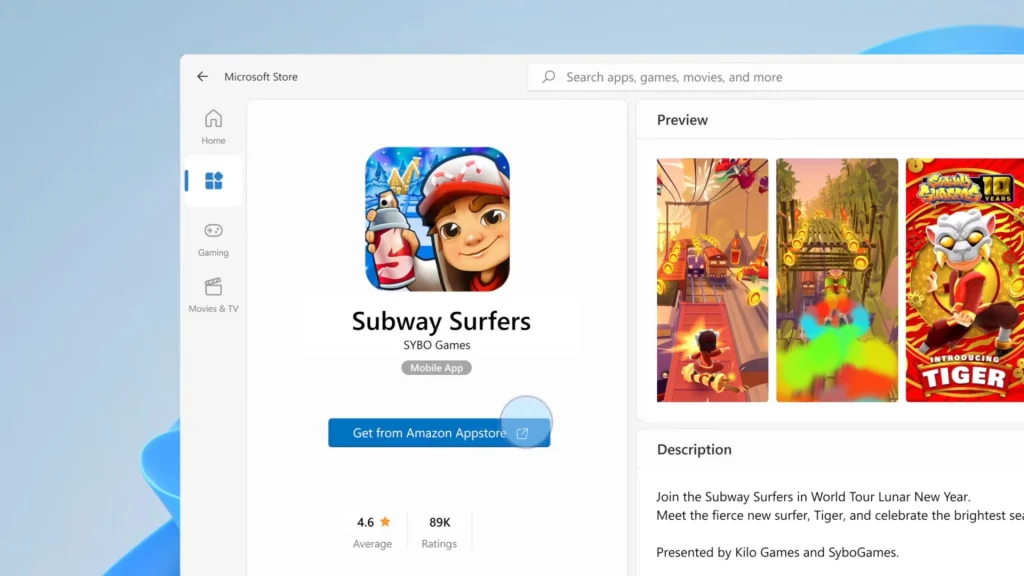
Microsoft Store and Amazon Appstore have joined hands to provide access to select Android apps for Windows 11 users. As we continue to see growth of hybrid work and play environments, strategic moves like this one will fuel more users to migrate their Windows 10 OS to the latest Windows 11 version.
Taskbar Is The New Control Centre
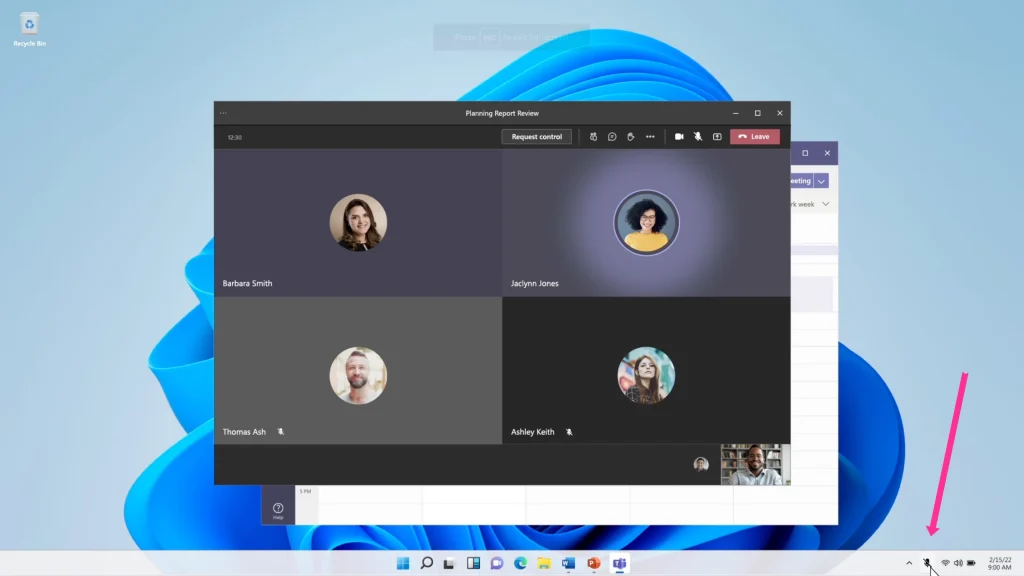
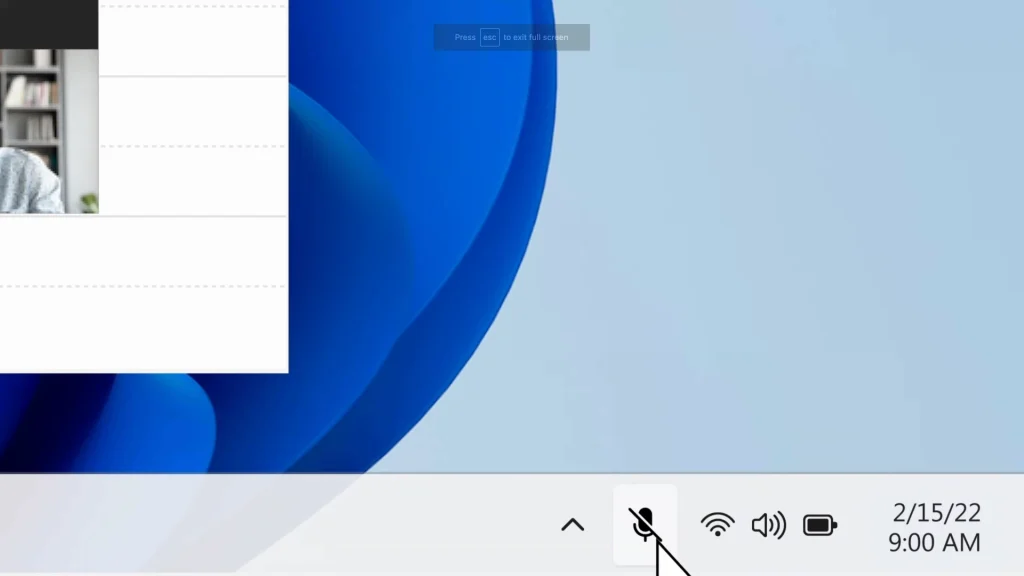
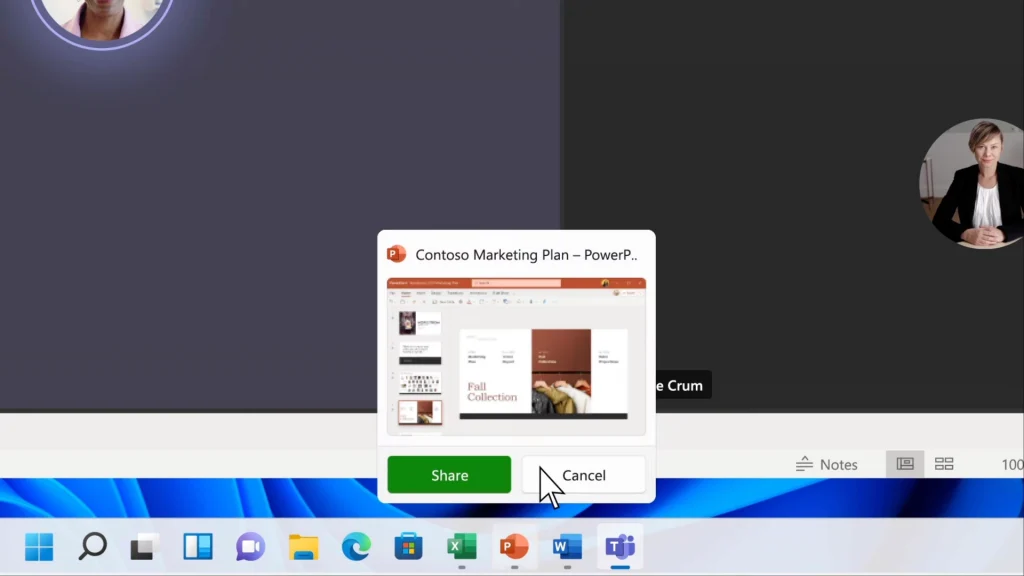
Multiple windows open simultaneously is the norm these days, with video meetings, chats, blogs, and social media apps all vying for attention at the same time. The new update in Windows 11 addresses this problem by providing Mute and Unmute audio options right from the taskbar. In addition to this, it’s also possible now to share any application during a Microsoft Teams meeting from right within the taskbar.
Tell Time From Second Monitor
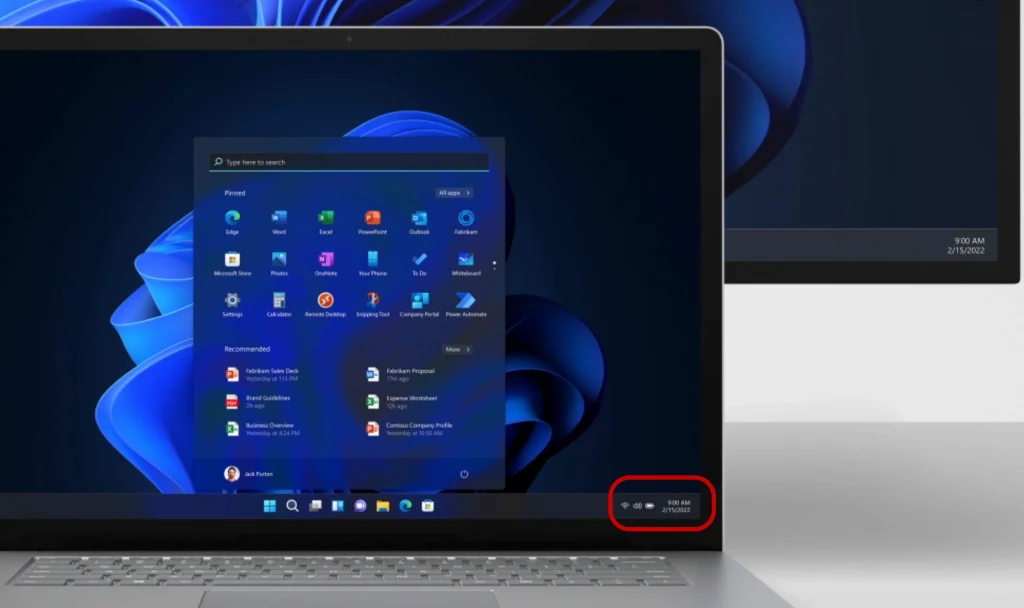
This may be the smallest of features that found its way into this Windows 11 update, but I think that the attention to these minor details brings out a great user experience. The clock and date were not showing up on secondary monitors earlier, but not anymore. The new Windows 11 update displays the clock and date on secondary monitors as well.
Fresh New Designs For Notepad And Media Player
Notepad and Media Player have been redesigned with fresh new looks and useful functionality.
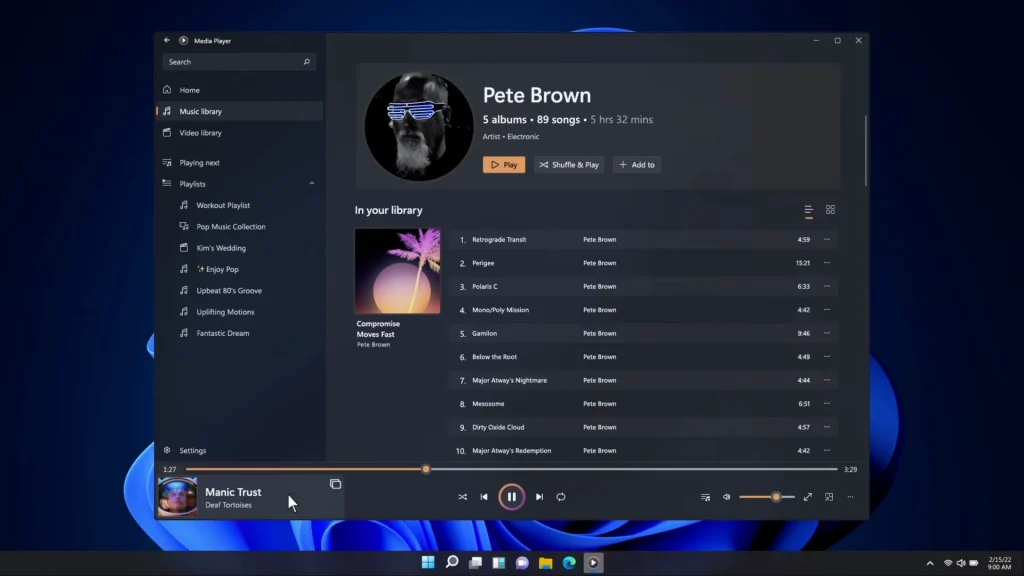
Content from video and music folders appears automatically in the Media Player. In addition, custom folders can also be assigned as media folders, and files from those folders will be displayed in the media player as well.
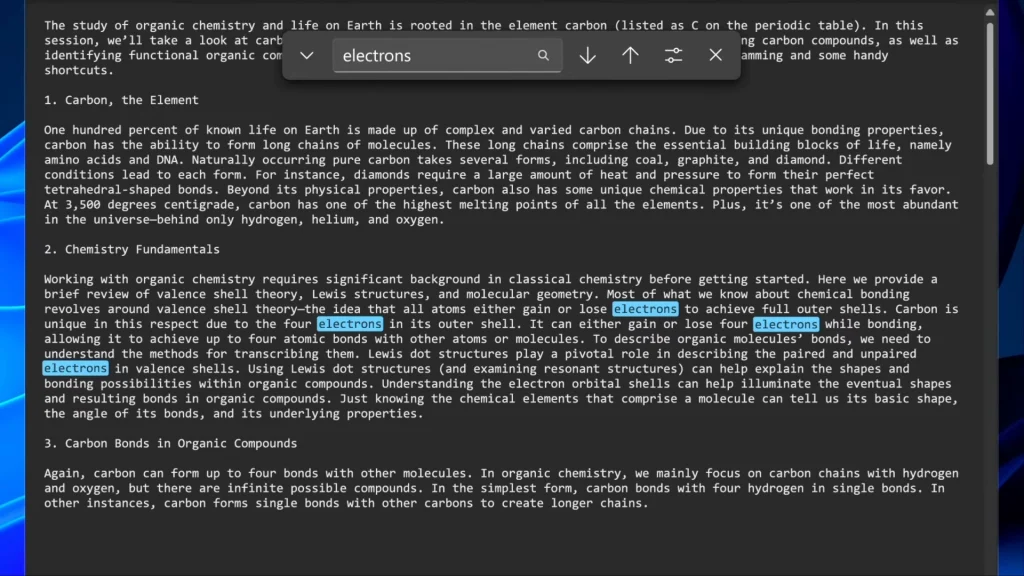
Notepad will automatically adapt to the system’s choice of theme, or it can be manually selected from the settings page. It looks like the Dark Mode has a bright future :). Multi-Level undo operations are a welcome feature for those doing deep edits with their text. A bit of color has also been thrown in with the feature to add emojis to text. Find-Replace operations and Menus have received upgrades as well.
Summary
I love the attention to detail with this update. Its good to see Microsoft continue to listen to its customers using the Microsoft Insider program, consider user requests, and get them in as feature updates. This update continues to strengthen Microsoft Windows 11, and its adoption is set to grow ever-bigger with this feature-rich update. I hope that a good variety and number of android apps are made available to Windows PC users with this update in the coming days. Get your Windows 11 update here.
Latest Posts
- AI Just Got a New BFF: Meet Gemma 2, Your Pocket-Sized Brainiac
- Siri’s School of Savings: Apple University 101
- Laptop Care 101: Keeping Your Digital Sidekick Happy and Healthy
- The Sweet and Savory World of Cookies in Websites: Crumbling the Code
- Beep Boop Behave: The Quest for Well-Mannered Ethical AI Machines