
The world is going online, so as studies. Now average time students are spending on the laptop is very high. Parents are more concerned about their health issues. Here are some important points you can consider before buying a laptop for students.
Need of student: The basic need of a student when buying a laptop are camera, computational requirements and storage for coursework. Machine configuration depends on student’s stream. Here we are giving various suggestions for students based on technical and non technical requirements.
Multimedia Laptop
I School Students: This segment requires fundamental technical specifications
- At least Intel core i5 processor
- Inbuilt camera
- Windows 10 x 64 BIT
- At least 13” screen
- 8 GB RAM
- 500 GB storage
- Wireless networking adaptor(for internet)
II College Students: College-going students requires more apps and tasks like document creations, word processing, presentations and social media work etc. A portable, light weight and multitasking laptop is a good option for them.
- Intel Core i5 or i7
- Windows / Mac
- Screen: at least 13”
- RAM: at least 8 GB
- Storage: At least 500 GB (Recommended 1 TB)
- Graphics: Good Graphics adaptor
- Good Battery Life
III Engineering Students:
- Intel i7 or i9 processor
- Windows 10 x 64 / Mac
- RAM: At least 8 GB (Recommended 16 GB)
- Dedicacted video processor like Nvidia Quadro, Nvidia® Geforce 1060, 1660,2060,3060 or greater
- Hard Drive: At least 500 GB (SSD hard drvie recommended)
- Network and Graphics adaptor
- HD inbuild camera
- Good Battery life
- Theft and damage insurance (Recommended)
How to choose the best laptop for your kid
Installation: First thing to run on a laptop is the installation of system s/w and various applications. Nowadays, companies are offering original s/w along with the machine. Make sure that the Operating system and other utility software are either preinstalled in the laptop or easy to install after the purchase.
With Windows OS
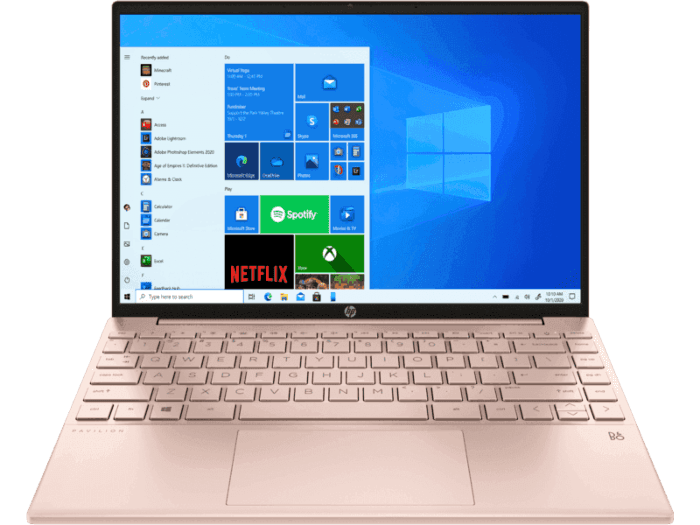
Display: Display is the most important thing on a laptop. The student constantly works on a laptop and a bad display directly affects the student’s eyesight. Therefore, double-check the screen size, display and graphic processor when selecting a laptop.
Working Performance: Your machine should be working as per your need-neither fast nor slow. The laptop’s performance depends on its processor and RAM but the higher the processing speed and the higher the RAM, the higher your budget. So before buying, first take a look at your work. It should not happen that you buy an inferior or a superior configure machine. It will directly affect your budget and working performance.
Connectivity: You often need to connect external devices to accomplish an additional task. Check basic connectivity options available in your machine like USB, LAN, Bluetooth, Wi-Fi and no of ports as per your need.
AV Option: This era is dedicated to social media and fast communication. Text is essential but audio and visual contents are more convincing and the latest trends lead to AV presentation. Check availability of sound card, graphics card and external connectivity of speakers, mic, projectors etc.
Future Enhancement: Technology upgrades quickly, so you must consider a machine that can upgrade various essential features like RAM, Hard Disk, Graphics card etc.
Pricing: The price of your machine depends on the features and options coming with your laptop. Your work should not suffer at all, and also, all advanced features should not remain untouched. It would help if you decided that it directly affects the price of the laptop as per your requirement.
Summary: Sometimes it isn’t easy to decide because there are so many features and different brands available. You can choose based on the points which we have mentioned above for your reference and definitely, you will get a good laptop for your kid.