
In an era dominated by technology, the significance of phone battery life has never been more crucial. Our reliance on these devices for communication, productivity, and entertainment amplifies the frustration of the perpetual need for charging.
This blog will guide you on how to maximise the battery life of your smartphones phones.
The evolution of smartphones, while groundbreaking, has intensified the struggle to balance functionality with battery longevity. As users demand more from their devices, exploring ways to maximise battery life becomes imperative.
In this user guide, we unravel the intricacies of phone battery management, offering tips and tricks to alleviate the frustration of constant charging and empower users to make the most out of their indispensable companions.
1. Understanding the Basics of Battery in smart phone
Know Your Battery Type
Before diving into optimization techniques, it’s crucial to understand the type of battery your smartphone uses. Lithium-ion batteries, prevalent in modern smartphones, have specific charging characteristics that impact their lifespan. Familiarising yourself with these characteristics lays the groundwork for effective battery management.
Optimal Charging Habits
Contrary to popular belief, charging your phone battery to 100% constantly is not ideal. Lithium-ion batteries have a finite number of charge cycles, and consistently charging to full capacity can degrade their performance over time. Aim for partial charges and try to keep your battery level between 20% and 80% for optimal longevity.
2. Software Optimization in Smartphone
Update Your Operating System
Smartphone manufacturers regularly release software updates that include improvements in battery management. Ensure your device is running the latest version of its operating system to take advantage of these enhancements.
Manage Background Apps
Background apps are one of the primary culprits behind battery drain. Periodically review and close unnecessary apps running in the background. Some smartphones offer built-in tools to identify and manage these apps efficiently.
Enable Battery Saver Mode
The phone battery is equipped with a battery saver or low power mode in most phones. Activating this feature adjusts various settings, such as screen brightness and background processes, to conserve battery life during critical moments.
3. Display and Connectivity on Smartphone
Optimise Screen Brightness
The display is a major contributor to battery consumption. Adjusting your screen brightness to the ambient light conditions not only enhances visibility but also conserves battery power. Additionally, consider reducing the screen timeout duration to minimise unnecessary power usage.
Manage Connectivity Features
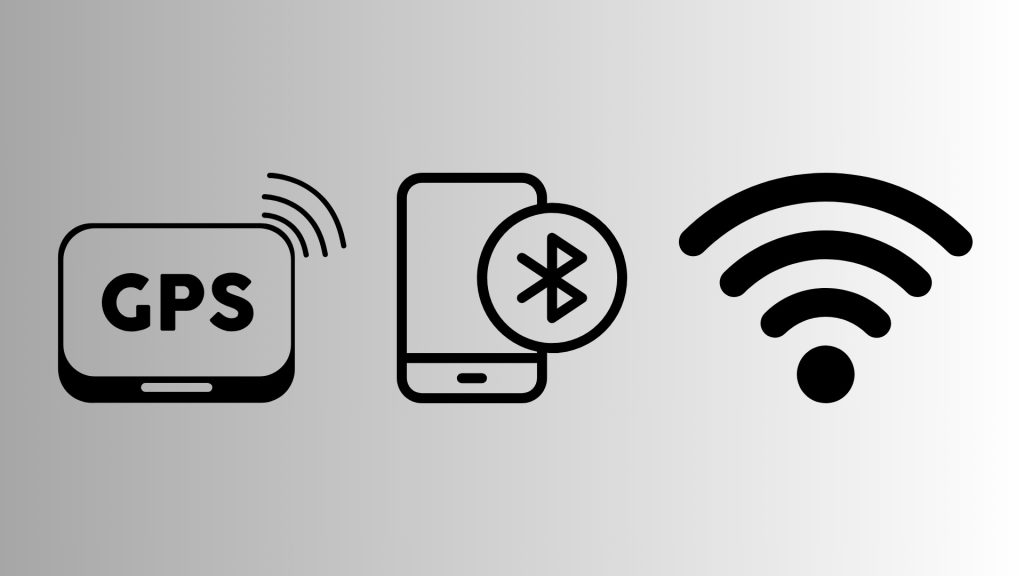
Turn off Wi-Fi, Bluetooth, and GPS when not in use. These features continuously search for signals and drain your battery even when you’re not actively using them. Activating them only when needed can significantly extend your battery life.
4. App Management

Evaluate App Permissions
Some apps may have access to features that consume excessive power. Review and adjust app permissions to restrict unnecessary access. For example, limiting location services for apps that don’t require them can save valuable battery life.
Uninstall Unnecessary Apps
Every app on your device consumes a portion of your battery, even when not in use. Regularly audit your installed apps and remove those you no longer need. This not only frees up storage but also contributes to a more efficient use of your device’s resources.
5. Hardware Considerations-phone battery
Mindful Charging Practices
Charging your phone battery in extreme temperatures can adversely affect the battery’s health. Avoid exposing your device to excessively high or low temperatures during charging, as it can accelerate degradation.
Invest in Quality Accessories
The charger and cable you use play a crucial role in the charging process. Using subpar accessories may result in slower charging times and potentially harm your battery. Stick to the original charger and cable or invest in high-quality alternatives recommended by the manufacturer.
6. Advanced Tips on minimizing battery life
Explore Battery Optimization Apps
Consider using third-party battery optimization apps that offer advanced features beyond the built-in tools on your smartphone. These apps can provide detailed insights into your battery usage patterns and suggest personalised optimizations.
Experiment with Dark Mode

Many smartphones now feature a dark mode, which can significantly reduce power consumption on devices with OLED or AMOLED displays. By displaying darker colours, these screens consume less energy, contributing to a longer battery life.
Here are some of the best phones with maximising long battery life.
| Smartphone Model | Features |
| Samsung Galaxy S23 FE 5G | 126h Endurance rating |
| Redmi Note 12 | 120Hz , 33W charging |
| Realme 11 Pro 5G | OLED Display |
| Oppo Reno10 5G Ice Blue | 67W fast charging |
Achieving maximum battery life on your smartphone requires a combination of smart habits, software optimization, and hardware considerations. By incorporating the tips and tricks outlined in this user guide, you can extend the lifespan of your phone’s battery, ensuring that it stays charged and ready to assist you throughout your busy day.
Remember, small adjustments in your daily phone battery usage can lead to significant improvements in battery performance, making your device a reliable companion for the long haul.