
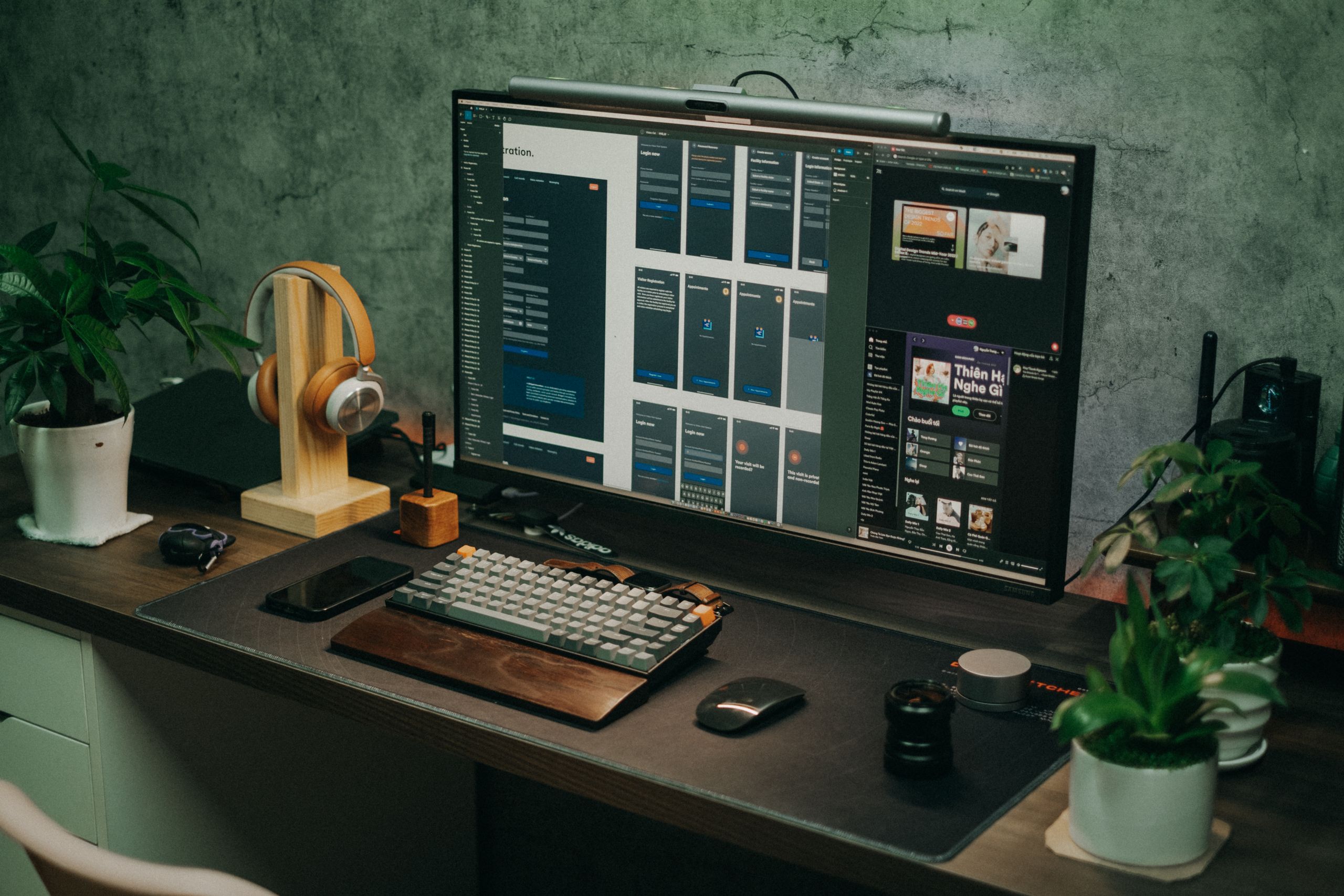
Whether you work from home, game late into the night, or edit videos on the weekends, you likely spend hundreds of hours at your desk every month. If that space feels cluttered, uncomfortable, or uninspiring, those hours can easily drag on. But with a few strategic additions, you can transform a basic table into a workspace that you actually look forward to sitting down at.
The best desk upgrades do more than just look good on camera. They solve real problems. A great desk setup minimizes physical strain, streamlines your daily workflows, and creates an environment that helps you focus. You do not need to replace your entire room to see a massive improvement. Often, small changes—like upgrading your lighting or adding a smart charging hub—make the biggest daily impact.
This guide covers 10 of the best desk upgrades to elevate your workspace. We focus on a mix of ergonomics, organization, productivity, and aesthetics to help you build a desk setup that works exactly the way you need it to.
Ergonomics and Core Comfort
Before adding flashy gadgets, you must ensure your workstation supports your body. Investing in ergonomics is the single best way to make long desk sessions comfortable and safe.
1. An Adjustable Standing Desk Frame
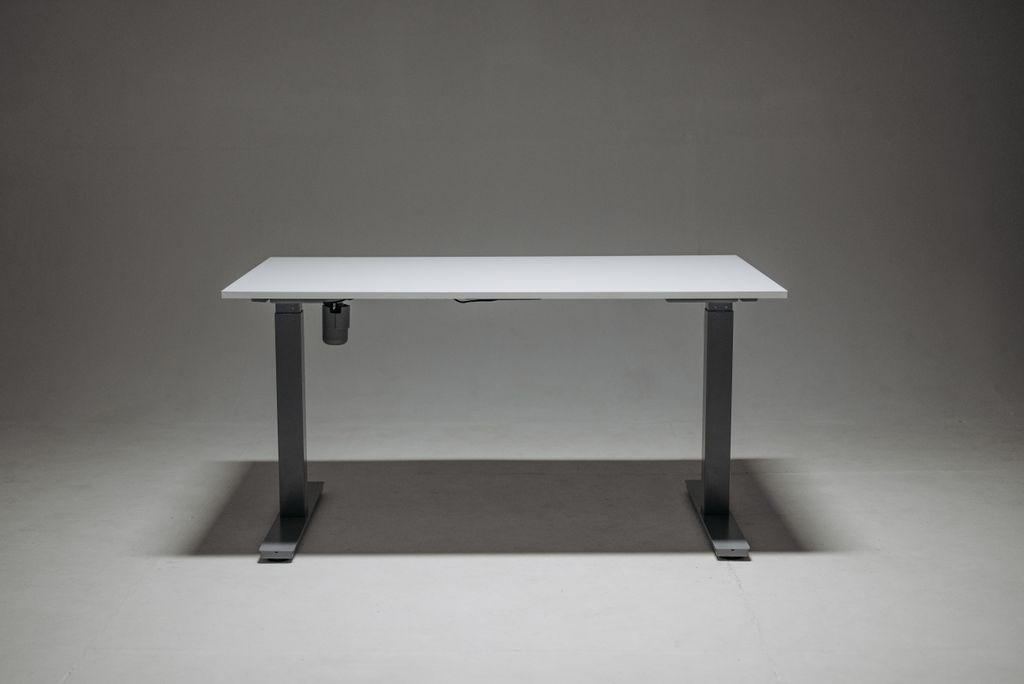
Sitting for eight hours a day can lead to back pain and a severe drop in energy. An adjustable standing desk frame allows you to switch between sitting and standing at the push of a button.
You do not necessarily need to buy a completely new desk to get this functionality. Many manufacturers sell motorized leg frames that you can attach to your existing desktop. When shopping for a motorized frame, look for dual-motor designs for smoother lifting, a high weight capacity to support your monitors and PC, and memory presets so you can save your perfect sitting and standing heights.
2. A Premium Ergonomic Office Chair
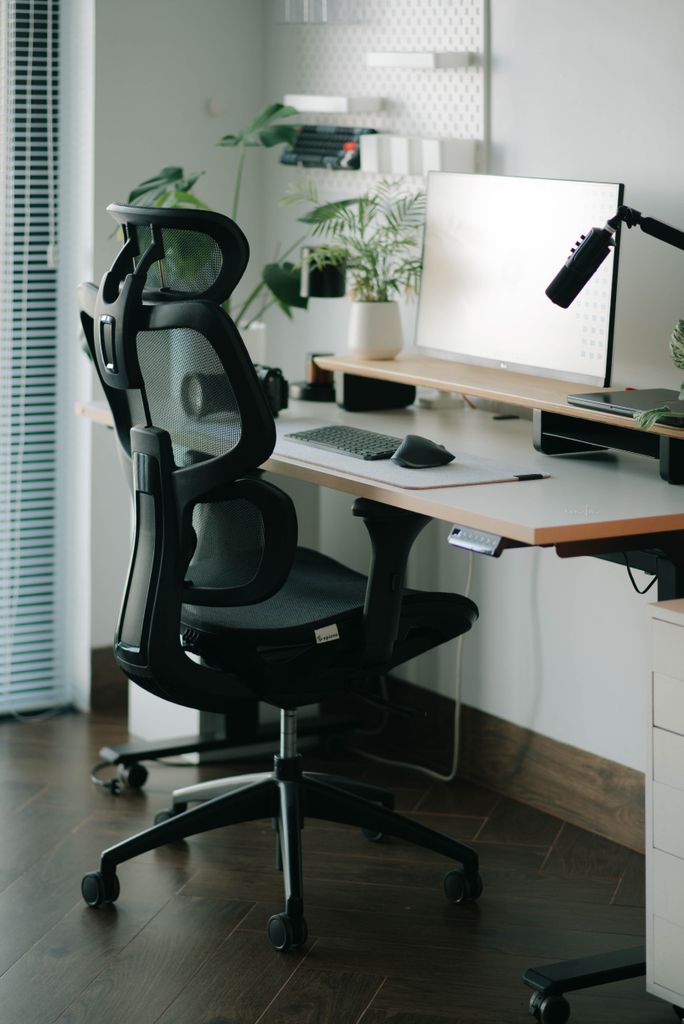
If there is one item on your desk setup where you should not compromise, it is your chair. “Gamer” chairs with bucket seats often prioritize aesthetics over proper spinal support. A high-quality ergonomic office chair is designed to keep your posture aligned during long sessions.
What to look for in an ergonomic chair:
- Adjustable Lumbar Support: To maintain the natural curve of your lower back.
- Breathable Materials: Mesh backs prevent heat buildup during long working hours.
- Adjustable Armrests: 3D or 4D armrests ensure your arms remain level with your keyboard, preventing shoulder strain.
- Seat Depth Adjustment: Ensures your legs are properly supported without cutting off circulation behind your knees.
Lighting and Aesthetics
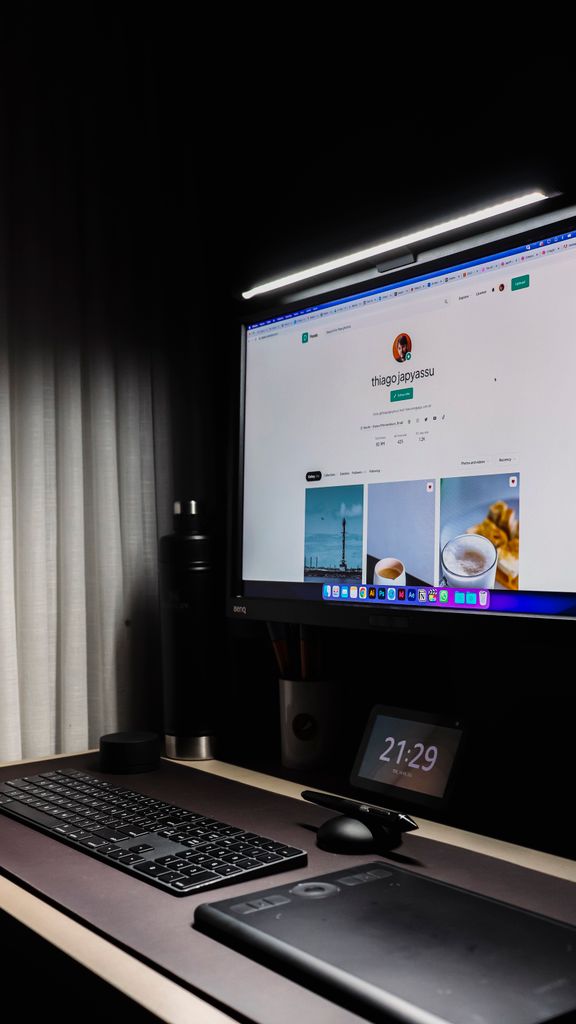
Proper lighting reduces eye strain and dramatically alters the mood of your workspace. Relying solely on a harsh overhead room light is a common desk setup mistake.
3. A Monitor Light Bar
A monitor light bar is one of the most practical lighting upgrades you can make. These sleek LED bars rest on top of your monitor and cast light downwards onto your desk.
Unlike traditional desk lamps, a well-designed light bar features an asymmetrical optical design. This means it illuminates your keyboard and workspace without causing glare on your monitor screen. Most modern light bars offer adjustable color temperatures, allowing you to use cool, energizing white light during the workday and warm, relaxing amber light in the evening.
4. Smart Ambient RGB Lighting
Ambient lighting adds depth and personality to your workspace. Placing LED light strips behind your desk or monitor creates a soft backlight, also known as bias lighting. Bias lighting reduces the harsh contrast between a bright monitor screen and a dark room, which significantly reduces eye fatigue.
For the best experience, look for smart lighting systems from brands like Philips Hue or Govee. These connect to your Wi-Fi and allow you to control colors and brightness via your smartphone or voice assistant. You can even sync them with your PC to match the colors on your screen while gaming or watching movies.
Organization and Cable Management
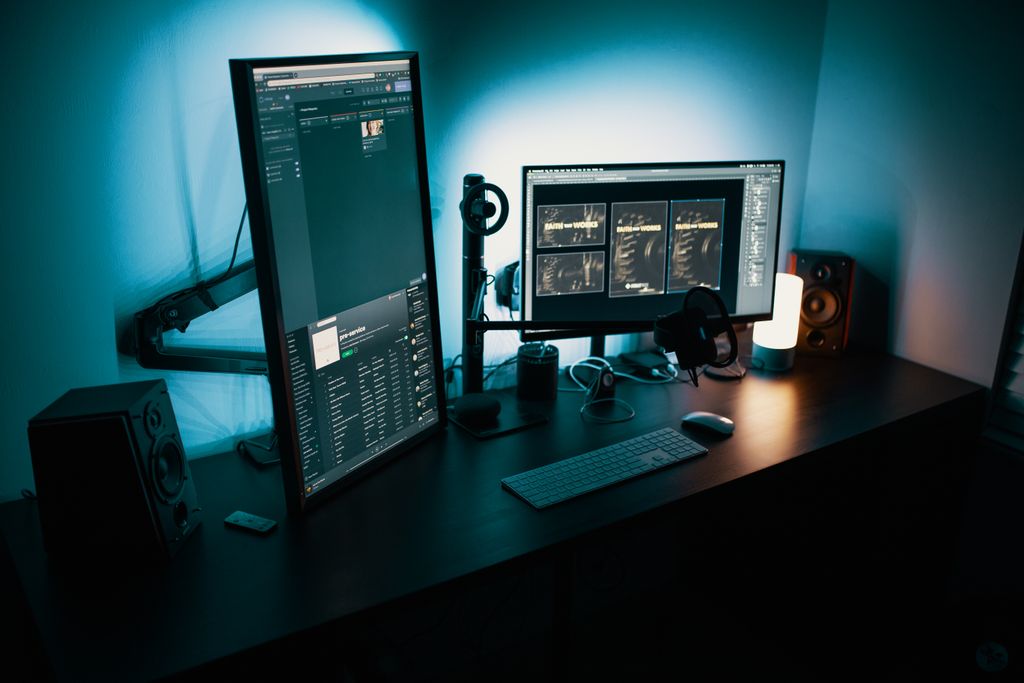
A messy desk creates a messy mind. Getting your cables under control and freeing up surface area instantly makes your desk feel larger and more inviting.
5. A Premium Desk Shelf or Monitor Stand
A desk shelf sits on top of your main desk surface, acting as a raised platform for your monitor while creating a storage cubby underneath. Brands like Grovemade and Balolo have popularized wooden desk shelves that add a touch of warmth and natural texture to a tech-heavy setup.
By elevating your monitor to eye level, a desk shelf improves your posture. The space beneath it is perfect for tucking away your keyboard, mouse, audio interface, or notebooks when you are not using them, instantly clearing your desk for non-digital tasks.
6. Under-Desk Cable Management Trays
Dangling cables are the enemy of a clean desk setup. Managing them is inexpensive but requires a little patience. An under-desk cable management tray screws or clamps onto the back of your desk, providing a hidden channel to route your power strips and monitor cables.
Cable Management Tips:
- Mount a surge protector upside down under your desk using heavy-duty double-sided tape or screws.
- Route all monitor and peripheral cables down a single monitor arm using zip ties or Velcro straps.
- Store excess cable length inside the under-desk tray.
- Run a single power cable from the desk to the wall outlet.
Productivity and Convenience Gadgets
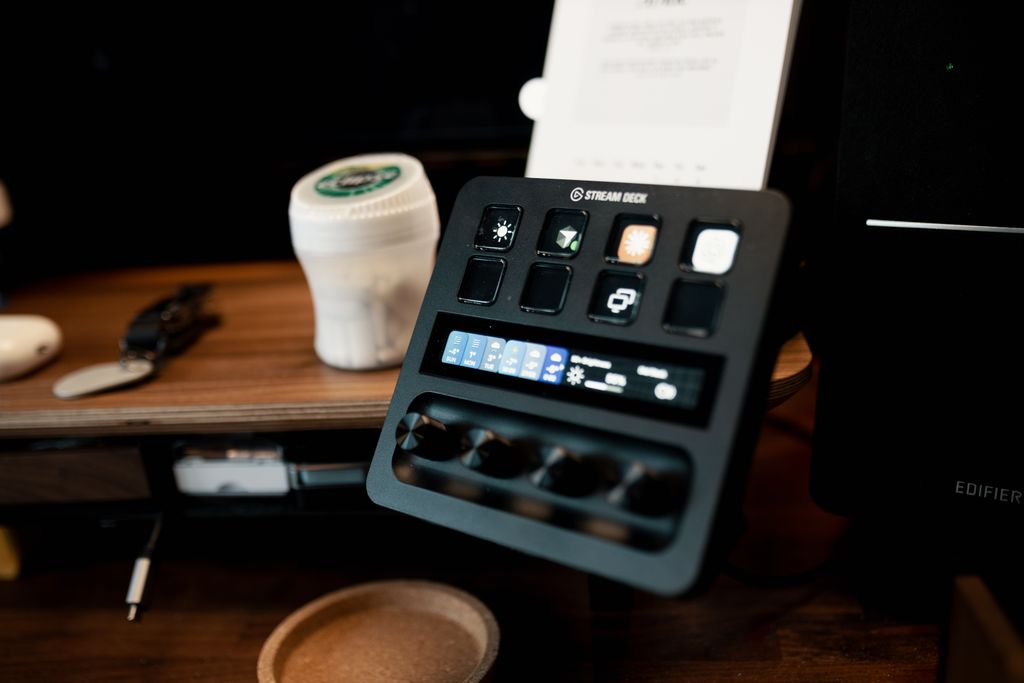
These gadgets streamline your workflow, keep your devices powered, and put your most-used tools within arm’s reach.
7. A Multi-Device Wireless Charging Hub
Keeping your phone, wireless earbuds, and smartwatch charged can quickly lead to a tangle of individual cables. A dedicated multi-device charging hub consolidates all of these into a single sleek unit.
If you use a modern smartphone, look for chargers supporting the Qi2 standard or Apple’s MagSafe. These magnetic chargers snap your phone perfectly into place, ensuring maximum charging speeds and allowing you to view notifications or use your phone as a webcam while it charges.
8. A Customizable Macropad or Stream Deck
You do not need to be a live streamer to benefit from an Elgato Stream Deck or a dedicated macropad. These devices feature physical, customizable buttons with tiny LCD screens inside them.
You can program these buttons to perform complex tasks with a single press. Useful everyday applications include:
- Muting and unmuting your microphone during video calls.
- Opening your most-used software applications instantly.
- Controlling your smart room lighting.
- Executing complex keyboard shortcuts for video editing or coding.
Audio and Peripherals
Your primary interface with your computer is through your peripherals. Upgrading what you touch and what you hear transforms the entire computing experience.
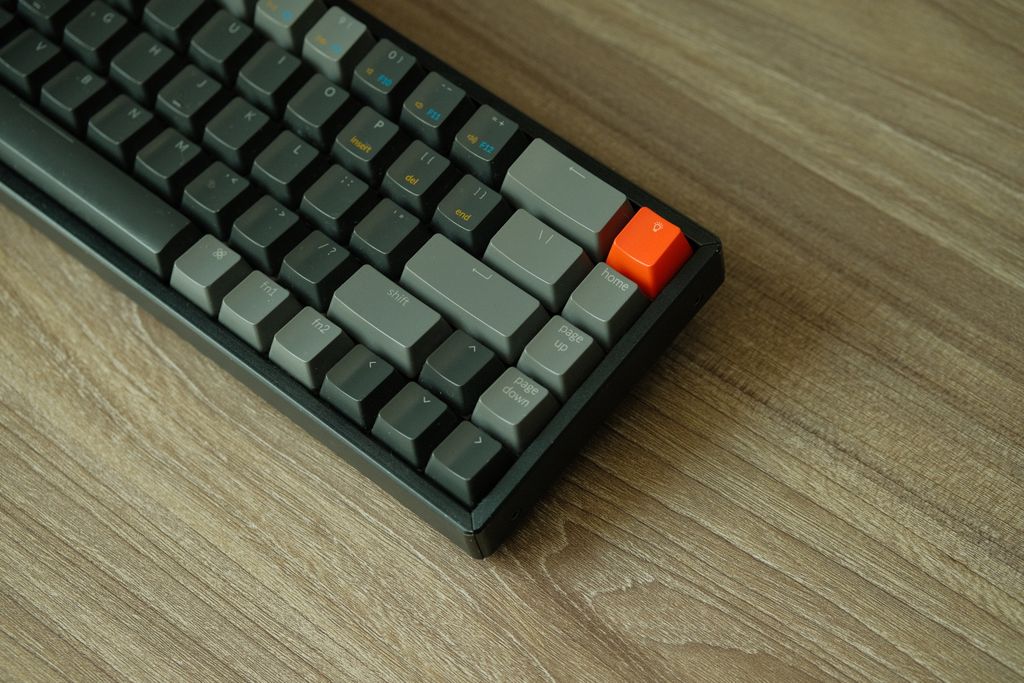
9. A Premium Mechanical Keyboard
If you are still typing on a flat, mushy membrane keyboard, upgrading to a mechanical keyboard will be a revelation. Mechanical keyboards use individual switches beneath each key, providing precise, satisfying tactile feedback.
Mechanical keyboards are highly customizable. You can choose switches based on how they feel and sound—from loud and “clicky” switches for satisfying typing to smooth, “linear” switches for quiet office environments and gaming. High-quality options from brands like Keychron or NuPhy also feature wireless connectivity, allowing you to switch between your PC, Mac, and tablet seamlessly.
10. High-Fidelity Desktop Speakers
While wearing a headset is great for competitive gaming or privacy, wearing one all day can become uncomfortable. A pair of dedicated, high-fidelity desktop speakers is a fantastic upgrade for listening to music, watching videos, or taking casual calls.
You do not need massive studio monitors to get great sound. Compact active bookshelf speakers with built-in amplifiers provide clear highs and rich bass that standard built-in monitor speakers simply cannot match. Look for speakers with multiple inputs, such as USB for your PC and Bluetooth for your phone, allowing you to switch audio sources easily.
FREQUENTLY ASKED QUESTIONS
What is the most important desk upgrade for productivity?
An ergonomic chair is the most critical upgrade. If you are experiencing back pain, neck strain, or general discomfort, it will be impossible to maintain focus and productivity, regardless of how many other gadgets you have on your desk.
Are monitor light bars better than regular desk lamps?
Yes, for computer use. Monitor light bars are specifically designed to cast light straight down onto your keyboard without shining onto your monitor screen. This eliminates screen glare and reflections, which are common issues with traditional angled desk lamps.
How much should I spend on a mechanical keyboard?
A reliable, high-quality mechanical keyboard typically costs between $80 and $150. In this range, you will find excellent build quality, wireless connectivity, and hot-swappable circuit boards, which allow you to change the switches later without soldering.
Do I need a standing desk?
A standing desk is highly recommended if you work at a computer for more than four hours a day. Alternating between sitting and standing promotes better blood flow, reduces lower back compression, and can help prevent the afternoon energy slump.
What is the easiest way to hide desk cables?
The fastest way to hide cables is to use Velcro cable ties to bundle loose wires together, and then run them through an under-desk cable tray. Mounting your main power strip directly to the underside of the desk keeps the bulky plugs completely out of sight.
CONCLUSION
Building a workspace you actually want to spend time in does not require buying everything at once. The best desk upgrades are the ones that solve your specific daily annoyances. If you end the day with back pain, start with an ergonomic chair or a standing desk. If your eyes feel strained, add a monitor light bar and some ambient bias lighting. By thoughtfully selecting accessories that combine comfort, organization, and high-quality aesthetics, you can transform your desk from a simple piece of furniture into a productivity hub that inspires you to do your best work.