
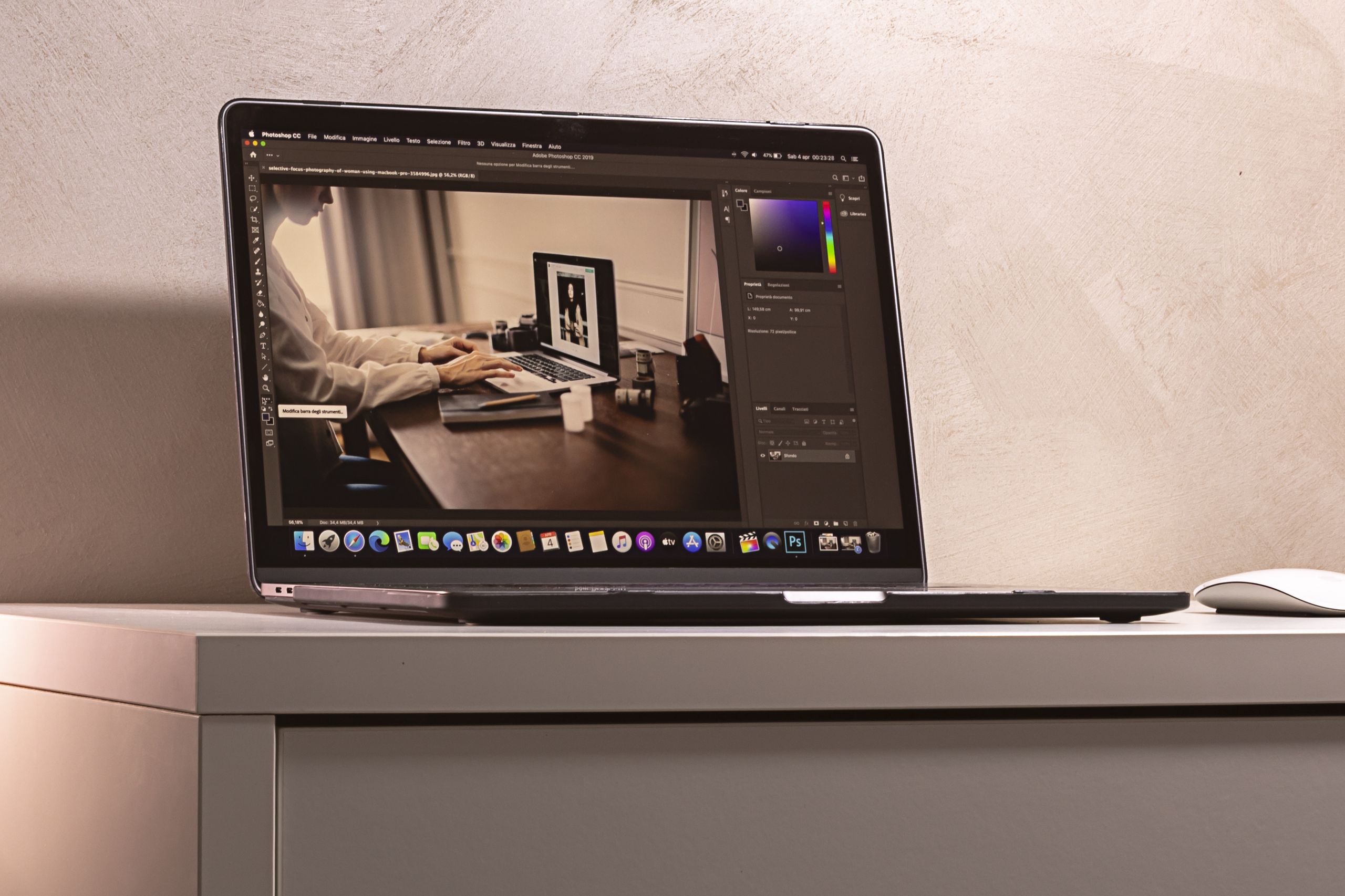
When Apple transitioned away from Intel processors in 2020, it fundamentally changed the trajectory of personal computing. The introduction of the M1 chip proved that thin, fanless laptops could outperform bulky, power-hungry desktop towers while maintaining all-day battery life.
Fast forward to 2026, and the Apple Silicon family has expanded significantly. From the groundbreaking M1 to the AI-optimized M5 Max, Apple’s System on a Chip (SoC) architecture now powers everything from the entry-level Mac mini to the heavy-duty Mac Studio. But with so many generations and variations—Base, Pro, Max, and Ultra—choosing the right Mac has become more complicated.
Whether you are a student writing essays, a video editor rendering 8K footage, or a developer running local artificial intelligence models, matching the right Apple Silicon chip to your workflow is crucial to avoid overspending or under-equipping your setup.
This guide breaks down exactly how Apple Silicon works, why the newer neural engines matter for AI, and which Mac you should buy today.
How Apple Silicon Changed Mac Computing
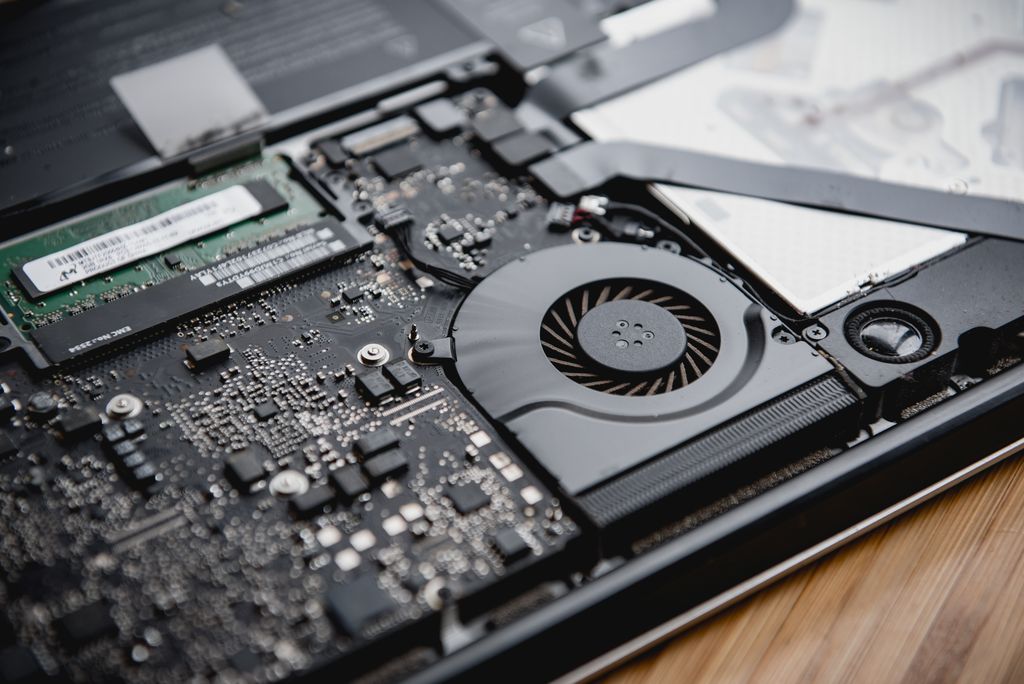
Before Apple Silicon, computers traditionally kept their critical components separated. The Central Processing Unit (CPU), Graphics Processing Unit (GPU), and memory (RAM) were distinct physical chips. If the CPU needed to process graphics, it had to send data across the motherboard to the GPU, creating bottlenecks and generating significant heat.
Apple solved this using a System on a Chip (SoC) design combined with Unified Memory Architecture (UMA).
The Unified Memory Advantage
In an Apple Silicon chip, the CPU, GPU, and Neural Engine are built onto a single piece of silicon and share a single pool of memory. If a video editing app needs to hand a 4K video frame from the CPU to the GPU for color correction, it doesn’t have to copy the data. Both processors access the exact same memory pool instantly.
This design drastically reduces latency, improves power efficiency, and allows a laptop to run complex workloads on battery power without artificially throttling performance.
Sustained Performance and Battery Life
Because data moves so efficiently within the chip, Apple Silicon generates remarkably little heat. This allowed Apple to remove the cooling fan entirely from the MacBook Air. For the MacBook Pro and desktop Macs, the active cooling systems rarely spin up unless the machine is under extreme, sustained pressure, resulting in near-silent operation alongside multi-day battery life for everyday tasks.
The Apple Silicon Tiers Explained
Apple organizes its processors into distinct tiers. While a newer generation (like M5) brings architectural improvements over an older one (like M3), the tiers dictate the chip’s core purpose.
| Chip Tier | Ideal User | Typical Core Focus | Included Mac Models |
| Base (M1, M2, M3, M4, M5) | General consumers, students, office workers. | Balanced performance, maximum battery life. | MacBook Air, Mac mini, base MacBook Pro, iMac. |
| Pro (M1 Pro to M5 Pro) | Photographers, software developers, audio engineers. | More performance cores, stronger GPU, more external display support. | MacBook Pro, Mac mini. |
| Max (M1 Max to M5 Max) | Video editors, 3D artists, AI developers. | Massive GPU upgrades, high memory bandwidth, media engines. | MacBook Pro, Mac Studio. |
| Ultra (M1 Ultra to M4 Ultra) | High-end production studios, extreme 3D rendering. | Two Max chips fused together for uncompromised desktop performance. | Mac Studio, Mac Pro. |
Artificial Intelligence: Why the Neural Engine Matters

While the M1 chip featured a capable 16-core Neural Processing Unit (NPU), the landscape of computing has shifted heavily toward artificial intelligence. In 2026, macOS relies heavily on “Apple Intelligence”—a suite of on-device AI tools that summarize text, generate images, manage notifications, and power a context-aware Siri.
Running these Large Language Models (LLMs) directly on your device ensures total privacy and instant response times, but it requires substantial neural processing power and memory bandwidth.
This is the primary differentiator between older and newer Apple Silicon:
- M1 and M2: Capable of basic machine learning tasks, but often rely on cloud offloading for complex generative AI.
- M3: Introduced a faster, more efficient NPU.
- M4 and M5: Designed specifically with generative AI in mind. The M4 and M5 chips feature radically redesigned Neural Engines capable of processing trillions of operations per second, ensuring local AI models run fluidly without draining the battery.
If your workflow involves running local AI models, generating code via AI assistants, or you simply want to future-proof your machine for upcoming macOS intelligence features, aiming for an M4 or M5 chip is highly recommended.
Which Mac is Right for You?
Choosing the right Mac comes down to analyzing your daily tasks. Here is a breakdown of the best choices based on user profiles.
For Everyday Users and Students
If your daily routine involves web browsing, watching streaming video, writing documents, managing spreadsheets, and light photo editing, you do not need a Pro or Max chip.
- Top Recommendation: MacBook Air M3 or M4.
- Why it works: The MacBook Air remains the best laptop for most people. It is fanless, completely silent, incredibly thin, and easily delivers over 15 hours of real-world battery life. The M3 or M4 base chips are powerful enough to handle dozens of browser tabs and everyday applications effortlessly.
- Budget Alternative: A refurbished MacBook Air M2. It lacks the advanced hardware ray-tracing and faster AI processing of newer chips, but it remains a phenomenal machine for basic tasks.
- Desktop Option: The Mac mini (base chip configuration) is an exceptional value if you already own a monitor, keyboard, and mouse.
For Creators, Photographers, and Developers

If you compile heavy code repositories, work with massive RAW photo files in Lightroom, or edit standard 4K video, you will benefit from active cooling and more memory bandwidth.
- Top Recommendation: MacBook Pro 14-inch or 16-inch with an M4 Pro or M5 Pro chip.
- Why it works: The Pro-tier chips feature dedicated media engines for encoding and decoding video. Furthermore, MacBook Pros include fans that prevent thermal throttling during long rendering sessions. They also feature superior mini-LED displays with high refresh rates and expanded port selections (including HDMI and an SD card reader).
- Memory Note: For this tier, 18GB to 36GB of unified memory is the sweet spot.
For High-End Video Production and AI Developers
If your livelihood depends on rendering 3D animations in Blender, color grading multiple streams of 8K video, or training local AI models, you need a Max or Ultra chip.
- Top Recommendation (Portable): MacBook Pro 16-inch with an M4 Max or M5 Max.
- Top Recommendation (Desktop): Mac Studio with a Max or Ultra chip.
- Why it works: Max chips double the memory bandwidth and heavily increase the GPU core count compared to Pro chips. For AI developers, the ability to configure a MacBook Pro or Mac Studio with 64GB, 128GB, or even 192GB of unified memory allows you to hold massive AI models entirely in RAM—a capability that is incredibly expensive to achieve on traditional PC setups.
Is It Worth Upgrading from an Older M1 or M2?
If you currently own an M1 or M2 Mac, you might be wondering if it is time to upgrade.
You should upgrade if:
- You are consistently maxing out your RAM, leading to a sluggish system.
- You work in video or 3D, and the rendering times are costing you billable hours.
- You want to fully utilize local, on-device AI features, which require the more robust NPUs and higher minimum memory architectures found in the M4 and M5 generations.
You can wait if:
- You use your Mac primarily for writing, web browsing, and media consumption. The M1 chip remains exceptionally fast for everyday computing, and unless your battery has severely degraded, an M1 MacBook Air is still highly capable.
FREQUENTLY ASKED QUESTIONS
Can I upgrade the RAM or storage on an Apple Silicon Mac after buying it?
No. Because Apple uses a Unified Memory Architecture, the RAM and storage modules are permanently soldered to the logic board. You must configure the memory and storage capacities you will need for the entire lifespan of the device at the time of purchase.
Does the MacBook Air overheat without a fan?
For everyday tasks like browsing, writing, and watching videos, the MacBook Air stays completely cool. However, if you push it with heavy tasks like exporting a long 4K video or playing demanding games, the laptop will automatically slow down (thermal throttle) to manage heat, extending the export time.
Are Apple Silicon Macs good for gaming?
The gaming situation on Mac has improved significantly with M3, M4, and M5 chips, which introduced hardware-accelerated ray tracing and mesh shading. Using Apple’s Game Porting Toolkit, developers are bringing more titles to macOS. However, the Mac still trails behind Windows PCs in raw game availability and ecosystem support.
What is the difference between unified memory and regular RAM?
Traditional RAM sits separate from the processor, requiring data to be copied back and forth. Unified memory is physically integrated into the Apple Silicon chip, allowing the CPU, GPU, and Neural Engine to instantly access the exact same data. This makes 16GB of unified memory feel significantly more efficient than 16GB of traditional RAM.
Which chip do I need to use Apple Intelligence?
While older chips like the M1 and M2 support base levels of Apple Intelligence, the M4 and M5 families are specifically architected for robust, on-device AI processing. If generative AI is central to your workflow, prioritize an M4 or M5 chip with at least 16GB of unified memory.
CONCLUSION
Apple Silicon redefined what we expect from personal computers. By merging components into a highly efficient SoC design, Apple successfully eliminated the traditional compromise between power and battery life.
When choosing your next Mac, let your daily workflow dictate your purchase. The standard base chips (M3, M4, M5) offer incredible value and battery life for the vast majority of users. However, if your work involves complex coding, high-resolution video production, or running intensive local AI models, investing in the elevated memory bandwidth and powerful neural engines of a Pro or Max chip is the smartest path forward