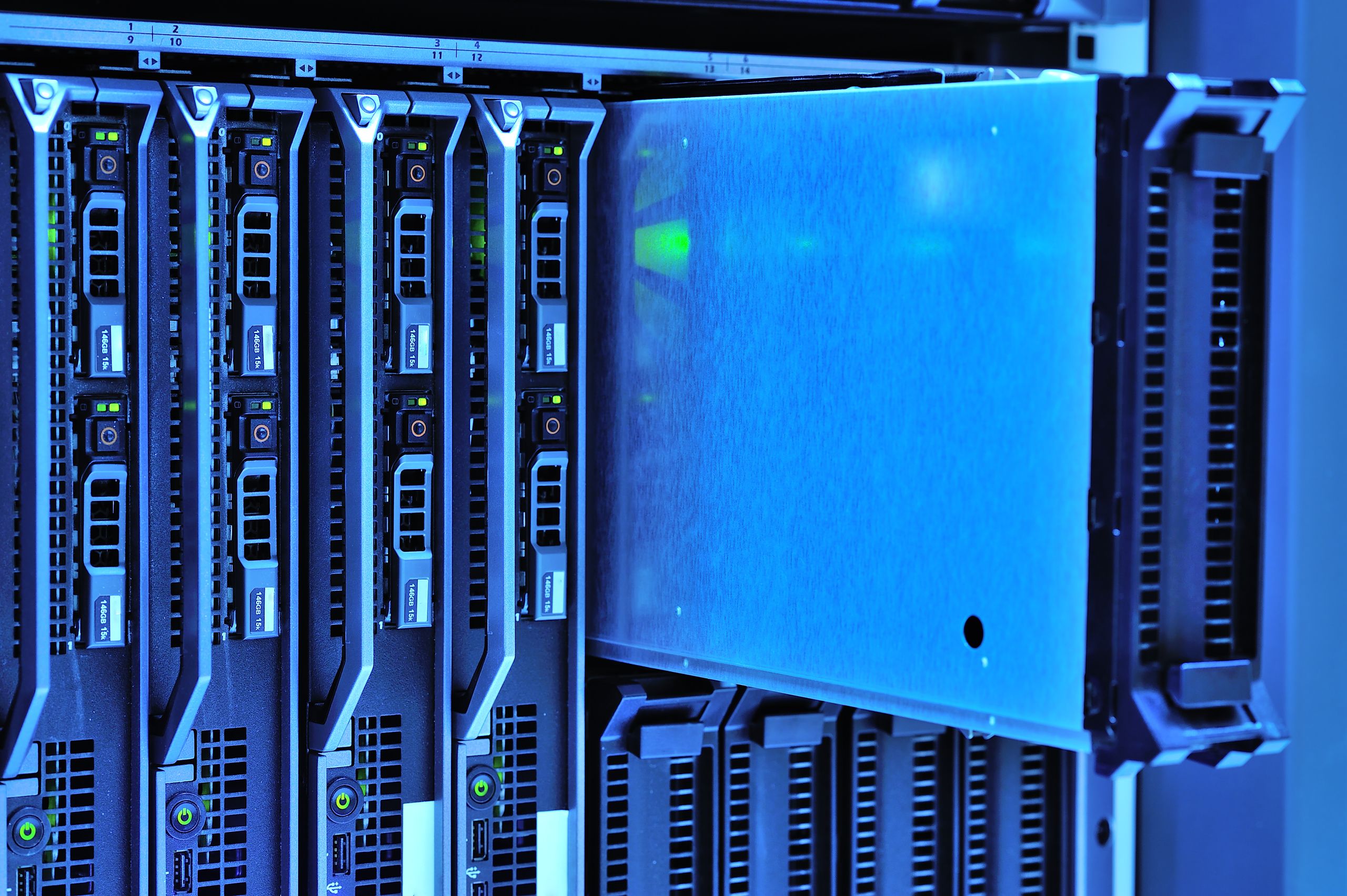
We have all received the dreaded notification: your cloud storage is almost full. The solution is always a prompt to upgrade your monthly subscription. What starts as a convenient few dollars a month for your smartphone backups quickly balloons into a perpetual, expensive cycle just to keep your digital life intact.
For years, major tech companies have marketed cloud storage as the ultimate, frictionless solution for our photos, documents, and creative projects. However, the reality of renting server space is becoming clear. Between steadily increasing subscription fees, frequent data breaches, and ambiguous privacy policies, the modern cloud often feels less like a service and more like a tollbooth for your own data.
Fortunately, there is a better way to manage your files. By setting up a Network Attached Storage (NAS) system, you can build your own private cloud. A NAS offers massive storage capacities, complete data sovereignty, and a lower total cost of ownership over time. If you are tired of paying monthly fees just to access your own files, it is time to look at why bringing your data back home is the smartest tech decision you can make this year.
The Problem with Cloud Storage Subscriptions
Cloud storage—services like Google Drive, Apple iCloud, Dropbox, and Microsoft OneDrive—undeniably offers a seamless user experience. But convenience comes at a steep price, and the business model heavily favors the provider over the consumer.
The Illusion of Cheap Storage
Cloud providers hook users with free or incredibly cheap introductory tiers. Once your digital ecosystem is fully integrated and your storage needs inevitably grow past the 15GB or 50GB limit, you are forced onto higher premium tiers.
Paying a monthly fee for 2TB of storage might not seem disastrous on day one. However, if you calculate the cost over three, five, or ten years, you are paying hundreds or even thousands of dollars for storage space you will never actually own. You are effectively renting a digital locker; the moment your credit card expires or you stop paying, your access is restricted or your data is marked for deletion.
Privacy and Security Concerns

When you upload your files to the cloud, you are handing them over to a third-party corporation. While data is encrypted during transit, the keys to that encryption are often held by the provider. This means your data is subject to automated scanning for terms-of-service violations, algorithmic training, or compliance with government data requests.
Furthermore, cloud storage platforms are massive targets for cybercriminals. While the companies themselves employ robust security measures, frequent password leaks, social engineering attacks, and compromised secondary accounts regularly expose user data. True data privacy is difficult to guarantee when your files live on someone else’s server farm.
What is a Network Attached Storage (NAS) Device?
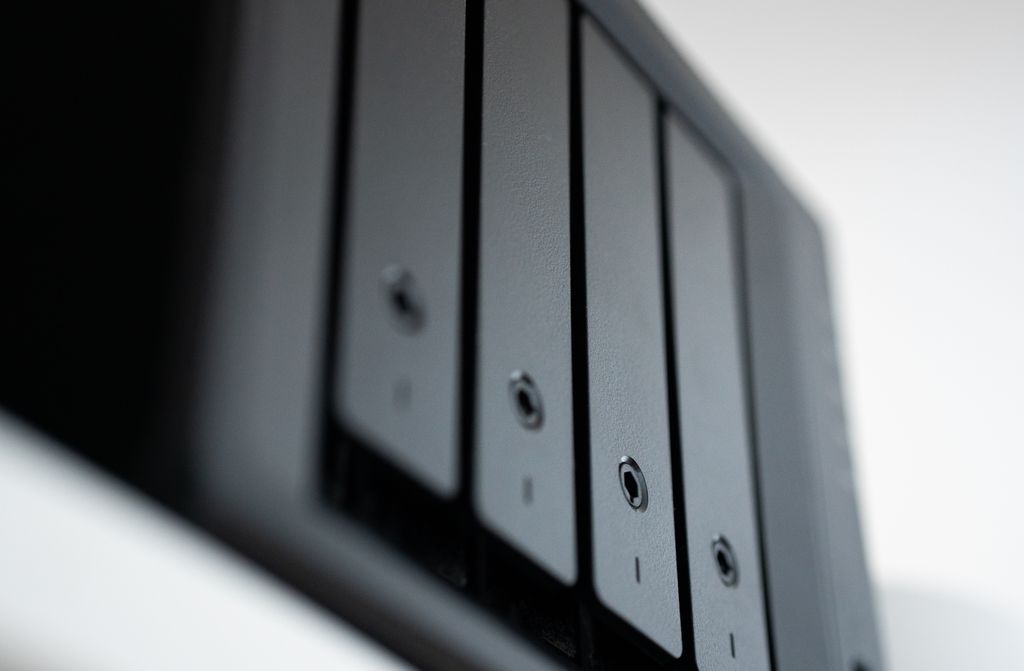
A Network Attached Storage (NAS) device is essentially a specialized mini-computer with one or more hard drives inside, connected directly to your home network. Instead of plugging a hard drive directly into your laptop via USB, you plug the NAS into your Wi-Fi router.
Once connected, a NAS acts as your personal, localized cloud. You can access your files wirelessly from your laptop, desktop, smartphone, or smart TV. Modern NAS devices come with intuitive, user-friendly operating systems that mimic the experience of traditional cloud services, complete with automatic photo backups, document syncing, and secure remote access when you are away from home.
Why a NAS is the Better Alternative
Switching from a rented cloud to an owned NAS provides significant benefits for general consumers, content creators, and remote professionals alike.
1. Massive Long-Term Cost Savings
While a NAS requires a higher upfront investment, it pays for itself relatively quickly. A basic two-bay NAS enclosure and two 4TB hard drives will cost roughly the equivalent of a few years of a premium cloud subscription.
Once the hardware is paid for, you own it. You have 4TB of storage available without any recurring monthly fees. When you need more space, you simply buy a larger hard drive. The cost per terabyte of a NAS is exponentially lower than renting that same terabyte from a cloud provider.
2. Complete Data Sovereignty
With a NAS, the hardware physically sits in your home or office. You make the rules. Nobody is scanning your personal family photos to train artificial intelligence models, and no algorithm can arbitrarily lock you out of your account for an alleged policy violation. You hold the encryption keys, giving you absolute control over who views, edits, and shares your files.
3. Superior Local Network Speeds
Cloud storage is limited by the speed of your internet connection. Uploading gigabytes of 4K video to a cloud server can take hours and severely throttle your home network.
Because a NAS operates on your local network, transfer speeds are dictated by your Wi-Fi or Ethernet connection, which is almost always vastly faster than your internet provider’s upload speeds. Moving large files happens in seconds rather than hours, making a NAS indispensable for video editors, photographers, and gamers.
The Drawbacks: Is a NAS Right for Everyone?
To be fair, abandoning the cloud entirely is not the perfect solution for every single user. It is important to understand the responsibilities that come with owning your own hardware.
- Upfront Costs: Buying the enclosure and the NAS-grade hard drives requires a lump sum payment.
- Maintenance: You act as your own IT administrator. While modern NAS interfaces are incredibly beginner-friendly, you are responsible for updating the software and replacing drives if they fail.
- Offsite Backup Needs: A NAS protects you from a single hard drive failure (if configured in RAID), but it does not protect against physical theft, fires, or floods in your home. Best practice dictates keeping a secondary, encrypted backup of your most vital documents in a separate location.
NAS vs. Cloud Storage: Head-to-Head Comparison
| Feature | Cloud Storage | Home NAS |
| Cost Structure | Recurring monthly/yearly fees | One-time hardware purchase |
| Data Control | Provider owns the servers | You own the hardware |
| Privacy | Subject to provider terms & scanning | 100% private and secure |
| Transfer Speeds | Dependent on internet bandwidth | Fast local network speeds |
| Storage Capacity | Expensive to scale past 2TB | Cheap to scale to 10TB+ |
| Maintenance | Handled completely by provider | Handled by the user |
How to Transition to Your Own Private Cloud
If you are ready to break free from the subscription trap, the transition process is straightforward:
- Assess Your Storage Needs: Look at how much cloud storage you currently use. Buy NAS hard drives that offer at least double that amount to give yourself room to grow.
- Choose a Beginner-Friendly NAS: Brands like Synology and QNAP offer excellent starter enclosures with operating systems that are incredibly easy to navigate.
- Configure for Redundancy: Set up a two-bay NAS using a RAID 1 configuration. This mirrors your data across both drives. If one drive fails, your data remains perfectly safe on the other.
- Sync Your Devices: Download the NAS manufacturer’s mobile apps to replace your cloud services. You can set your smartphone to automatically upload photos to your NAS every time you connect to your home Wi-Fi.
FREQUENTLY ASKED QUESTIONS
Can I access my NAS when I am away from home?
Yes. Modern NAS devices provide secure remote access features. By using the manufacturer’s mobile app or logging into a secure web portal, you can view, download, and share your files from anywhere in the world with an internet connection.
What happens if a hard drive in my NAS breaks?
If you set up your NAS with multiple drives in a RAID configuration (specifically RAID 1 or higher), your data is automatically duplicated. If one drive fails, the system will alert you, but your data remains intact. You simply remove the broken drive, insert a new one, and the NAS rebuilds the data.
Is it hard to set up a NAS?
Not anymore. While they used to require advanced networking knowledge, modern enclosures from top brands function almost like smartphones. You plug it into your router, go to a specific web address in your browser, and a setup wizard walks you through the entire process in about 15 minutes.
Do I still need cloud storage if I have a NAS?
Many tech enthusiasts use a hybrid approach. They use a NAS for 99% of their heavy file storage to save money, and pay for a tiny, cheap cloud tier (like 50GB) purely to hold an off-site, encrypted backup of their most critical personal documents, such as tax returns and identification.
CONCLUSION
Cloud storage has its place in the modern digital landscape, but using it as a permanent, ever-expanding vault for your entire digital life is a costly and insecure strategy. The recurring subscription fees act as a constant drain on your wallet, while the lack of data sovereignty leaves your privacy in the hands of massive corporations.
Investing in a Network Attached Storage (NAS) device fundamentally changes the dynamic. While it requires an initial upfront cost, a NAS breaks the cycle of monthly fees, provides vastly superior local file transfer speeds, and ensures that you—and only you—own your data. For anyone serious about digital privacy, financial efficiency, and long-term storage, abandoning the cloud for a localized NAS is an easy and rewarding choice.